
AI content generation for social media (Templates + Examples)
 Natallia Usava for Academy
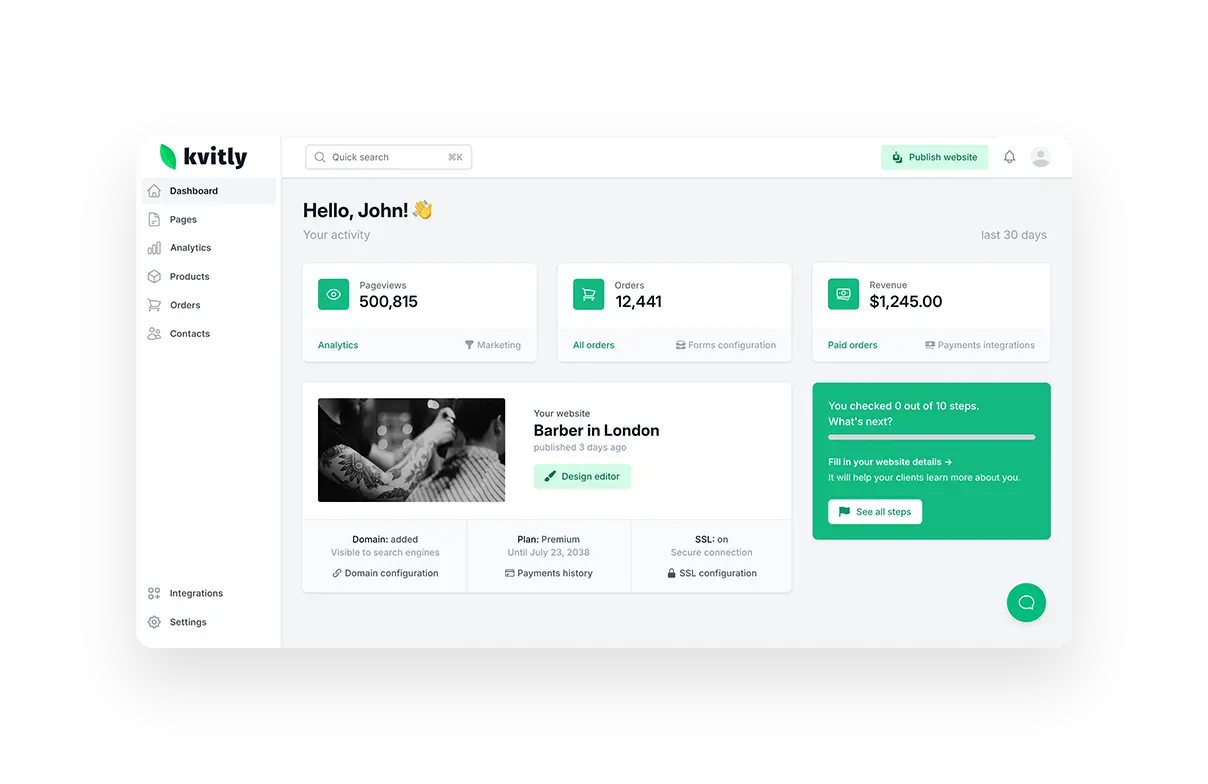
The hardest part of social media for most small businesses isn't strategy — it's the blank box. You know you should post, you just don't have twenty minutes to stare at a cursor thinking of a caption. AI removes the blank box. Give it the right prompt and it hands you a first draft in seconds, so your job becomes editing and choosing instead of inventing. This guide gives you copy-paste prompt templates and real examples you can use today, then shows how to run the whole thing inside 🌱kvitly.
Deciding on your toolset first? See which AI tool should you choose for marketing.
A note before the templates: AI is a drafting engine, not an autopilot. The businesses that get value from it treat the output as raw material — they add the real detail, the specific offer, the actual voice. The templates below are built to get you 80% of the way so your edit is quick.
The anatomy of a good AI prompt for social
A weak prompt ("write a social post about my bakery") gives a generic post. A strong prompt has four parts: who you are, who you're talking to, what you want them to feel or do, and the format. Include those and the draft comes back usable. Everything below is just that pattern, filled in for common needs.
Template 1. The product post
Prompt: "Write a short, warm Instagram caption for [business type] promoting [product]. Audience: [who]. One benefit to highlight: [benefit]. End with a soft call to action and 3 relevant hashtags. Keep it under 40 words."
Example output: "New this week: our slow-proofed sourdough, baked fresh every morning. Fewer ingredients, more flavour — the way bread should be. Reserve a loaf before we sell out. 🥐 #sourdough #localbakery #freshbread"
Template 2. The hook / attention post
Prompt: "Give me 5 scroll-stopping opening lines for a social post about [topic], for [audience]. Each should create curiosity or name a pain point in under 12 words."
Example output: "Your website looks fine. That's the problem." / "Most small businesses lose sales here — and never notice." / "You don't need more followers. You need this." Pick the one that fits and build the post under it.
Template 3. The educational / tip post
Prompt: "Write a carousel outline (5 slides) teaching [audience] one useful thing about [topic]. Slide 1 is a hook, slides 2–4 are steps or tips, slide 5 is a call to action. One short line per slide."
Educational posts build authority and get saved and shared more than promos, so aim for one or two a week. AI is especially good here because you already know the tip — you just need it shaped into slides.
Template 4. A week of content from one idea
Prompt: "Take this one idea — [idea] — and turn it into 5 different social posts for the week: one educational, one behind-the-scenes, one product, one customer-focused, one engagement question. Give each a caption and a first line."
This is the single most useful prompt for a busy owner: one theme becomes a week of posts, so you batch your content in one sitting instead of scrambling daily. Edit each for voice and specifics, schedule them, done.
How to edit AI output so it doesn't sound like AI
- Cut the throat-clearing — delete the generic first sentence and start on the real point.
- Add one specific detail only you know — a name, a number, a moment from today.
- Swap any word you'd never say out loud for one you would.
- Keep one clear call to action, and cut the hashtag pile down to 3–5 relevant ones.
Doing it all in one place with 🌱kvitly
You can use a general AI tool for these prompts, but you'll be copying output between apps. In 🌱kvitly the AI assistant already knows your business — your products, your audience, your tone — so the prompts above come back pre-filled with your actual details, not placeholders. Generate the posts, edit them, and they live in the same platform as your website, store, and CRM, so a post that drives a click lands a contact you can follow up with. The content and the business it's for aren't in two separate tools.
Related reading
For what to post about, see the social media trends for small business in 2026.
Choosing which AI to use? Read which AI tool you should choose for marketing.
Working with a small budget? See budget-friendly AI tools for marketing.
Frequently asked questions
Will AI-generated posts hurt my reach?
Not if you edit them. Platforms reward posts that get engagement, not posts written by hand. A well-edited AI draft with your real voice and a genuine hook performs just like anything else — the key is that it doesn't read as generic.
How often should a small business post?
Consistency beats volume. Three to five good posts a week you can sustain is better than daily for two weeks and then nothing. Batching a week at a time with AI is what makes that pace realistic.
Can AI write in my brand voice?
It gets closer the more context you give it. Tell it your tone ("warm and plain-spoken," "bold and direct") and paste an example of a post you liked. A tool like 🌱kvitly that already knows your business gets there faster.
What should I never let AI decide on its own?
Facts, offers, and claims. AI can phrase them, but you confirm them — prices, dates, guarantees, and anything a customer could hold you to. Always read before you post.
The bottom line
AI won't run your social media, but it will kill the blank box — and for a busy small business, that's most of the battle. Use the templates above to batch a week of posts in one sitting, edit them into your own voice, and keep the pace you couldn't keep before. Try 🌱kvitly free for 14 days and generate your first week of content from your own business context.
Related articles

Natallia Usava
Head of 🌱kvitly. She commands time and a little space, knows everything about the needs of clients, loves to smile, and gets goosebumps at the sound of a cello.
Are you ready?
Explore 🌱kvitly with no limits within the trial period of 14 days. No commitment, no credit card required.
Let’s try!