
Automate your email campaigns with AI: step-by-step
 Natallia Usava for Academy
Email is still the highest-return channel most small businesses have — but only if it actually goes out. The problem is never the idea; it's that writing and sending emails on time, every time, competes with running the rest of the business. Automation fixes that: you set up the flow once, and it sends the right email to the right person without you touching it again. AI makes the setup faster by writing the emails and helping decide what triggers them.
Still picking your marketing stack? See which AI tool should you choose for marketing.
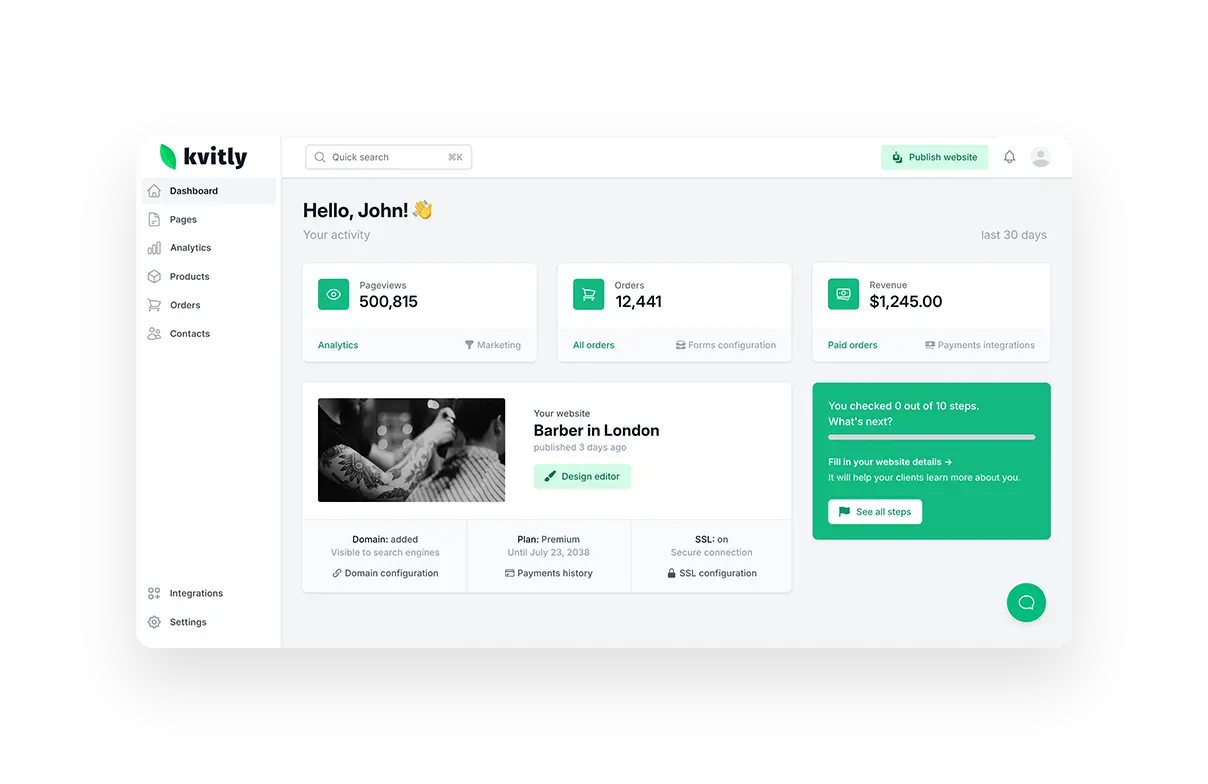
This is a step-by-step guide to building automated email campaigns with AI — what to automate first, how to structure each flow, and how to do the whole thing inside 🌱kvitly, where the emails and your customer data live together.
Automated campaign vs one-off newsletter
A newsletter is something you write and send once, to everyone. An automated campaign is a sequence that triggers off what a person does — signs up, buys, goes quiet — and sends itself at the right moment for each individual. The newsletter needs you every time; the automation needs you once. For a small team, automations are where the leverage is, because they keep working while you do everything else.
The 3 flows to automate first
- Welcome flow — triggers when someone joins your list or makes a first purchase. 2–3 emails: welcome, what to expect, and a first nudge to act.
- Nurture flow — for leads who haven't bought yet. A few emails spaced out that build trust: a useful tip, a customer story, an offer.
- Win-back flow — for customers who went quiet. One or two emails: "we miss you," a reason to return, sometimes an incentive.
Set up these three and you've covered the whole customer lifecycle. Everything else is refinement.
Step 1. Pick one flow and its trigger
Start with the welcome flow — it has the highest engagement, because people just chose to hear from you. Define the trigger precisely: "when a contact joins the newsletter list" or "when a first order is placed." The trigger is what makes it automatic, so be specific about the exact moment it fires.
Step 2. Let AI draft the emails
This is where AI saves the most time. Give it the context — what you sell, who the reader is, and the goal of each email — and let it draft the sequence. In 🌱kvitly the AI assistant already knows your business context, so it can write a welcome series that sounds like you and points to your actual products. Then edit: tighten the subject lines, make sure each email has one clear call to action, and cut anything that doesn't earn its place. AI gives you the draft; your judgment makes it good.
Step 3. Set the timing
Space the emails so they feel helpful, not pushy. A common welcome cadence: email 1 immediately, email 2 after two days, email 3 after four. Nurture flows can breathe more — every few days to a week. The rule of thumb: close enough to stay top of mind, far enough apart that each email still feels like a message, not a drip.
Step 4. Turn it on and let the data feed it
Activate the flow and, from then on, anyone who hits the trigger enters it automatically. This is where having your email and your CRM in one place matters: the automation reads live customer data, so a new lead gets the welcome flow the moment they sign up, and a customer who buys can be moved out of the nurture flow so they don't get a "why haven't you bought" email after they already did. Separate tools lose that sync; one platform keeps it.
Step 5. Watch two numbers and improve
You only need two to start: open rate (is the subject line working?) and click rate (is the email and its CTA working?). If opens are low, test subject lines — AI is great for generating ten variants to try. If clicks are low, sharpen the offer or the button. Change one thing at a time so you know what moved the number.
Doing it all in one place with 🌱kvitly
In 🌱kvitly, email automation isn't a separate tool bolted onto your store — it reads the same contacts, orders, and stages as the rest of the platform. The AI assistant drafts the sequences using your real business context, the flows trigger off live customer actions, and every send and reply stays attached to the contact in your CRM. You build the flow once, and it runs on data that's always current. That's the practical difference between email that occasionally gets sent and email that runs your customer lifecycle for you.
Related reading
Still choosing your marketing stack? Read which AI tool you should choose for marketing.
On a tight budget? See budget-friendly AI tools for marketing.
Want the emails to read live customer data? See how to integrate CRM, chat, and marketing in one place.
Frequently asked questions
What email campaign should I automate first?
The welcome flow. New subscribers and first-time buyers are the most engaged audience you have, so an automated welcome series usually earns the highest opens and clicks of any flow, for the least effort.
Can AI write emails that actually sound like me?
AI gives you a strong draft fast, especially when it has your business context. It still needs your edit for voice and accuracy — treat it as a first draft you refine, not a final send. That combination is far quicker than writing from scratch.
How many emails should a flow have?
Start small: 2–3 for a welcome flow, 3–5 for a nurture flow, 1–2 for a win-back. You can always add more once you see what's working. More emails isn't better — relevant emails are.
Do I need a separate email tool and CRM?
Not necessarily. If they're separate, keep them in sync so automations use current data. An all-in-one platform like 🌱kvitly avoids the sync problem entirely, because the email flows and the CRM are the same system.
The bottom line
Automated email is the closest thing a small business has to a marketing team that never sleeps: set up the welcome, nurture, and win-back flows once, let AI draft them, and let live customer data trigger the right message at the right time. Try 🌱kvitly free for 14 days and turn on your first automated campaign today.
Related articles
Natallia Usava
Head of 🌱kvitly. She commands time and a little space, knows everything about the needs of clients, loves to smile, and gets goosebumps at the sound of a cello.
Are you ready?
Explore 🌱kvitly with no limits within the trial period of 14 days. No commitment, no credit card required.
Let’s try!