
Top 10 use cases for AI small business tools
 Наталия Усова for Academy
Ask a room of small business owners what AI actually does for them and you won't hear "machine learning" — you'll hear "it writes my emails," "it answers customers at 2am," "it built my website." AI for small business isn't one thing; it's a set of very specific jobs it now does cheaply and well.
Adoption has crossed the tipping point: most small businesses now use AI in some form, and the ones who save the most time are simply the ones who picked the right jobs to hand over. This guide walks through the ten highest-impact use cases — what each one is, a real example, and where to start. Still deciding on a tool? Our guide on which AI tool to choose for marketing pairs well with this one.
Why AI is a real advantage for small businesses in 2026
The numbers are no longer subtle. In 2026, around 58% of small businesses use generative AI — up from 40% a year earlier — and among firms with 10–100 employees, adoption has jumped to roughly 68%. More telling is the payoff: 58% of AI users report saving more than 20 hours a month, two-thirds save between $500 and $2,000 monthly, and the large majority say it improved their efficiency and competitiveness.
For a small team, that's the equivalent of quiet extra hires — a copywriter, a support agent, an analyst — without the payroll. The catch is focus: AI pays off when it's pointed at specific, repeatable jobs. Here are the ten where it pays off most.
The 10 top use cases for AI in small business
1. Build and update your website
Describe your business in a sentence and an AI website builder generates a full site — layout, copy, and images — in minutes, then helps you update it in plain language. It's the fastest way for a non-technical owner to get a professional presence online. New to the idea? Start with what an AI-powered website builder is, and see how AI builders compare to traditional ones.
2. Generate marketing content
Content is the most common creative use of AI: about 55% of small businesses use it to draft emails, social posts, product descriptions, and blog articles. The trick is to treat it as a fast first draft you edit, not final copy. See our templates and examples for AI content generation for social media.
3. Run your social media
Beyond writing captions, AI helps you plan a calendar, repurpose one idea into ten posts, and spot what's working. Pair it with an eye on the social media trends worth following so your content stays current, not generic.
4. Automate email marketing
Welcome sequences, abandoned-cart nudges, and re-engagement emails can run on autopilot once set up — AI writes them and helps decide the triggers. Here's how to automate your email campaigns with AI, step by step.
5. Handle customer service
Roughly 46% of small businesses now use AI chatbots and automated responses to answer common questions instantly, capture enquiries after hours, and pass the tricky cases to a human. Done well, it feels like faster service — not a robot wall.
6. Manage leads and customers (CRM)
An AI-assisted CRM captures every enquiry, remembers every conversation, scores which leads are hot, and prompts the follow-up you'd otherwise forget. If your customer data lives in five places, start with why your business needs a CRM and how to integrate CRM, chat, and marketing in one place.
7. Make sense of your data
Data analysis is the single most common AI use case — about 62% of AI-using small businesses rely on it to turn numbers into plain-language insight: what's selling, where visitors drop off, which channel pays. If dashboards overwhelm you, see analytics for beginners: what to track and why.
8. Sell online and personalize e-commerce
AI helps you launch a store, write product listings, recommend the right item to each shopper, and keep stock levels sane. Start with how to create an online store and accept payments, and see why AI matters in e-commerce for the bigger picture.
9. Save time on admin and operations
Meeting notes, scheduling, invoices, document drafting — the invisible admin that eats a founder's week is exactly what AI clears, and it's where most of that 20-hours-a-month saving comes from. See our pick of the top AI tools for small business productivity.
10. Advertise and get found
AI shortens the two hardest parts of getting found: paid ads and SEO. It helps set up and optimize campaigns, and find and fix what search engines — and AI answer engines — reward. See how to set up a Google Ads campaign and the best tools for website SEO in 2026.
One tool or ten? Avoiding AI tool sprawl
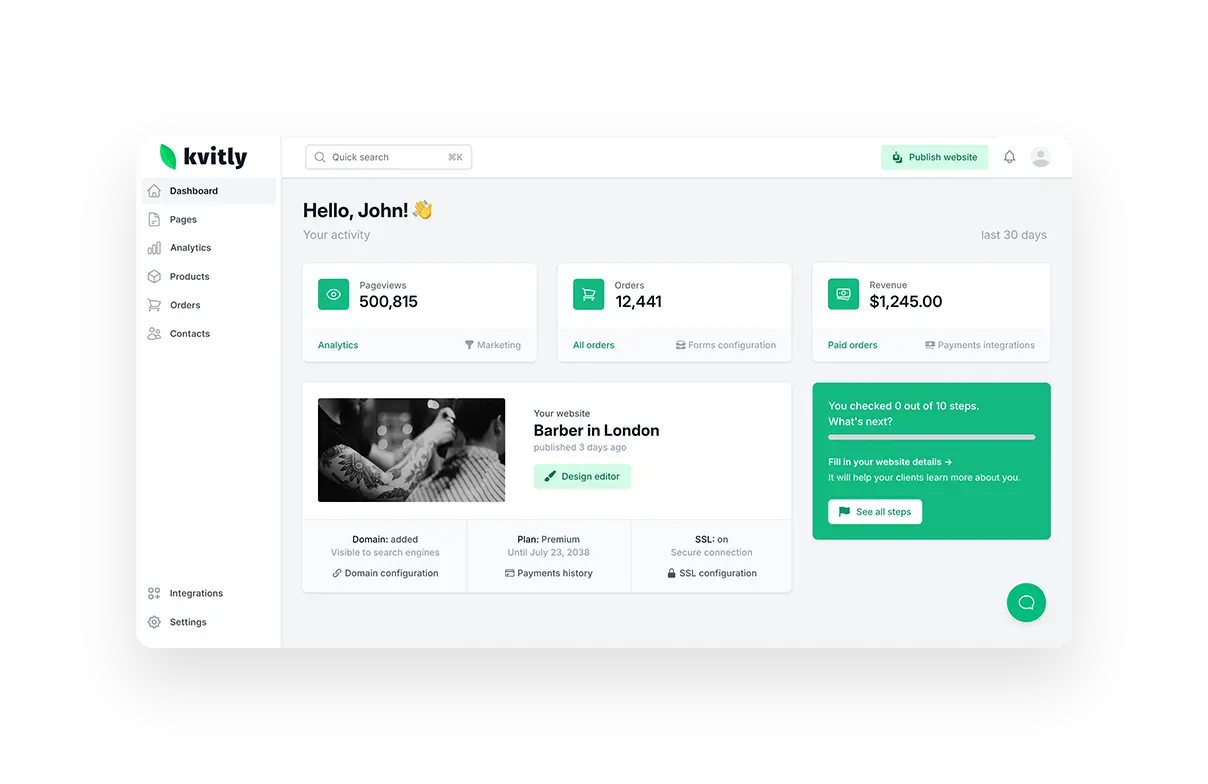
Here's the trap: adopt AI use case by use case and you can end up paying for ten disconnected subscriptions that don't talk to each other. The alternative is an all-in-one platform that covers your website, store, payments, CRM, and marketing with a single AI assistant running through it — which is exactly what 🌱kvitly is built to be. Weighing options? Our guide on which AI tool to choose for marketing breaks down the decision.
Frequently asked questions
What are the most common uses of AI in a small business?
The top ten are building a website, generating marketing content, running social media, automating email, handling customer service, managing leads in a CRM, analyzing data, selling online, clearing admin work, and running ads and SEO. Data analysis and content generation are the two most widely adopted.
Do small businesses actually see results from AI?
Overwhelmingly yes. In 2026 surveys, the large majority of small businesses using AI report a positive impact — improved efficiency and competitiveness — with many saving 20+ hours and $500–$2,000 every month. The gains come from automating repetitive work, not replacing judgment.
What's the best all-in-one AI tool for a small business?
It depends on what you sell, but if you want your website, online store, payments, customer list, and marketing in one place instead of five tools, an all-in-one like 🌱kvitly covers most of these use cases with a single AI assistant. For a store planning huge scale, a specialist like Shopify may fit better.
Is AI expensive for a small business?
Not usually. Many AI tools have free or low-cost entry plans, and all-in-one platforms often start free — so most of these use cases can be tried at little or no cost before you commit.
Do I need technical skills to use AI business tools?
No. Modern AI tools are built for non-technical owners: you describe what you want in plain language and the tool does the technical work — no code, no design degree required.
The bottom line
You don't need an AI strategy — you need to pick the jobs AI should do. Start with the two or three use cases that eat the most of your week: for most owners that's the website, the content, and the customer follow-up. Hand those over first, measure the time you get back, and expand from there.
Want most of these use cases in one place? Try 🌱kvitly free for 14 days →
Related articles

Наталия Усова
Руководитель 🌱kvitly. Повелевает временем и немного пространством, знает все о потребностях клиентов, очень любит улыбаться, при звуках виолончели — покрывается мурашками.
Are you ready?
Explore 🌱kvitly with no limits within the trial period of 14 days. No commitment, no credit card required.
Let’s try!